
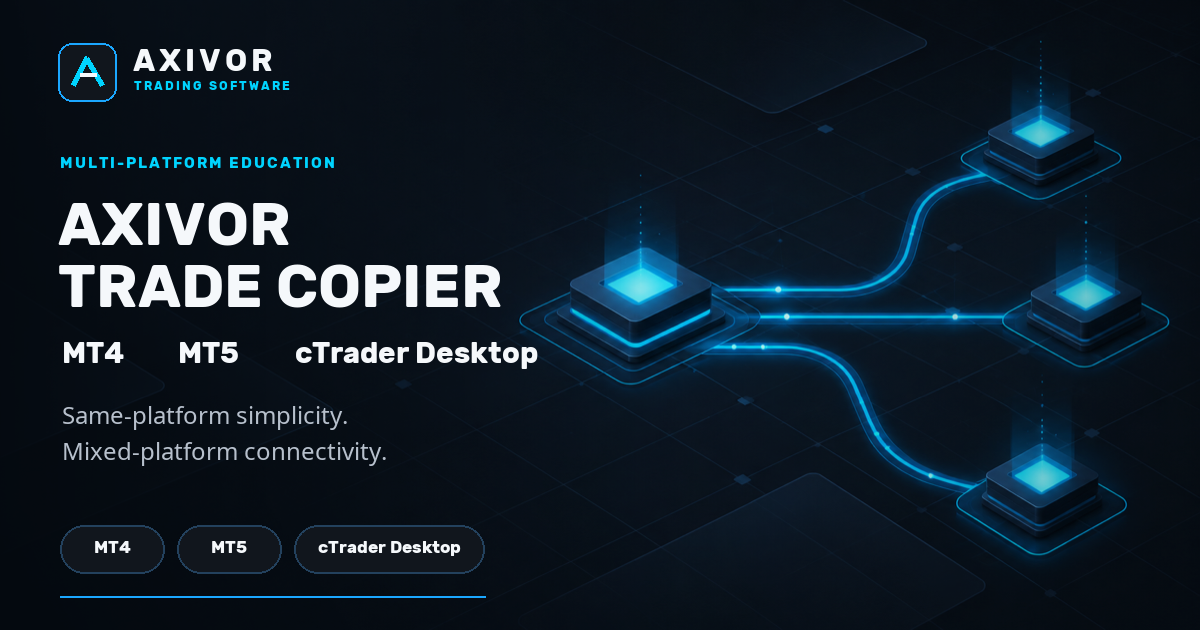
Running more than one trading platform can create an awkward operational problem: the trading decision may be the same, but the accounts receiving that decision are not necessarily on the same platform.
Axivor Trade Copier is designed around that reality.
The product family is available for MetaTrader 4, MetaTrader 5 and cTrader Desktop, with support for both straightforward same-platform copying and documented mixed-platform desktop routes.
The key idea is simple:
one Sender, independently configured Receivers, and a local copying workflow that preserves the native role of each platform.
This article explains how that model works.
Same-platform copying stays simple
When the Sender and Receiver use the same platform, Axivor Trade Copier keeps configuration deliberately minimal.
For normal same-platform use:
- Leave the target account in its default Receiver role.
- Set the source account to Sender.
- Use the same Copy Group on both sides.
- Start the Sender first, then the Receiver.
- Confirm READY status.
No Shared Journal file selection or filesystem setup is required for ordinary same-platform copying.
That applies to the normal:
- MT4 → MT4
- MT5 → MT5
- cTrader → cTrader
workflow.
The platform handles its normal local runtime while Axivor maintains the Sender/Receiver relationship and persistent trade mapping.
Mixed-platform copying uses a local Shared Journal
Connecting different desktop platforms requires an additional coordination layer.
Axivor Trade Copier uses a local Shared Journal for this purpose.
Instead of sending trades through a separate Axivor cloud relay, the Sender records supported lifecycle events into the Shared Journal. Receivers consume those events and apply them through their own native platform environment.
This allows supported desktop routes between:
- MT4 and MT5
- MT4 and cTrader Desktop
- MT5 and cTrader Desktop
in either qualified direction.
Each platform still runs its own dedicated Axivor Trade Copier edition. The Shared Journal provides the common local workflow between them.
For mixed-platform setups, follow the Axivor Trade Copier documentation carefully because the initial Shared Journal selection and platform permissions differ from normal same-platform setup. For cTrader Sender setups, the cTrader mixed-platform preset guidance walks through the initial Shared Journal setup.
The Receiver remains independently configured
Copying a trade does not mean every Receiver has to use identical settings.
Each Receiver keeps control of its own supported volume configuration.
Axivor Trade Copier Version 1.0 supports:
- Same as Sender — request the Sender volume.
- Fixed Volume — use the volume configured on that Receiver.
- Multiplier — scale the Sender volume using the Receiver’s configured factor.
An optional Maximum Volume setting acts as a rejection ceiling. If the requested copied volume exceeds that limit, the request is rejected rather than silently reduced to the maximum.
This makes it possible for multiple Receivers to follow the same Sender while retaining their own supported sizing configuration.
One Sender can serve multiple Receivers
The Sender publishes one trading lifecycle, but Receivers are not treated as one combined destination.
Each Receiver maintains its own relationship with the Sender.
That means different Receiver accounts can use different:
- volume modes;
- volume values;
- multipliers;
- Maximum Volume ceilings;
- Symbol Mapping settings;
- platform environments.
One Receiver does not define the configuration of another.
This is particularly useful when the same trading workflow needs to be distributed across several accounts or across different supported desktop platforms.
What gets copied in Version 1.0?
Axivor Trade Copier Version 1.0 supports the core market-position lifecycle.
That includes:
- market BUY and SELL activity;
- initial Stop Loss and Take Profit;
- later SL/TP changes;
- full/manual position closes.
The product maintains persistent source-to-Receiver mapping so later modifications and closes can be associated with the correct copied position.
Pending-order lifecycle actions and partial closes are outside the Version 1.0 release scope.
Why persistent mapping matters
Trade copying is not only about opening a position.
Once a trade exists, the copier has to know which Receiver position belongs to which Sender trade when later events arrive.
Axivor therefore persists its trade mapping and processing state.
After a normal terminal, connector or system restart, previously completed events are not intended to be treated as fresh trade instructions.
This restart-safe design is important for desktop and VPS operation, where platform restarts are a normal part of running trading software.
It also means the copier can continue working with an established relationship rather than rebuilding trade identity from scratch after every restart.
Local by design
Axivor Trade Copier does not require a separate Axivor relay service to move supported trade events between the desktop platforms.
The copying workflow remains local to the configured trading environment.
For cTrader Desktop, the released cBot operates with AccessRights.None.
Mixed-platform copying adds the documented Shared Journal workflow, while normal same-platform use remains simpler.
This architecture keeps the product focused on desktop-platform connectivity rather than introducing another external execution service into the chain.
Same-platform or mixed-platform?
The right setup path depends on the accounts being connected.
If both accounts use the same trading platform, use the normal Sender / Receiver / Copy Group workflow.
If the accounts use different supported desktop platforms, use the documented Shared Journal workflow.
In both cases, the product follows the same basic operating model:
one Sender, independently configured Receivers, persistent mapping and user-controlled execution settings.
Getting started
Axivor Trade Copier is available for:
- MetaTrader 5
- MetaTrader 4
- cTrader Desktop
For setup instructions, platform-specific guidance and mixed-platform configuration, see the full documentation.
View Axivor Trade Copier Read the documentation
We recommend testing any new copying relationship on demo accounts before using it in another environment.